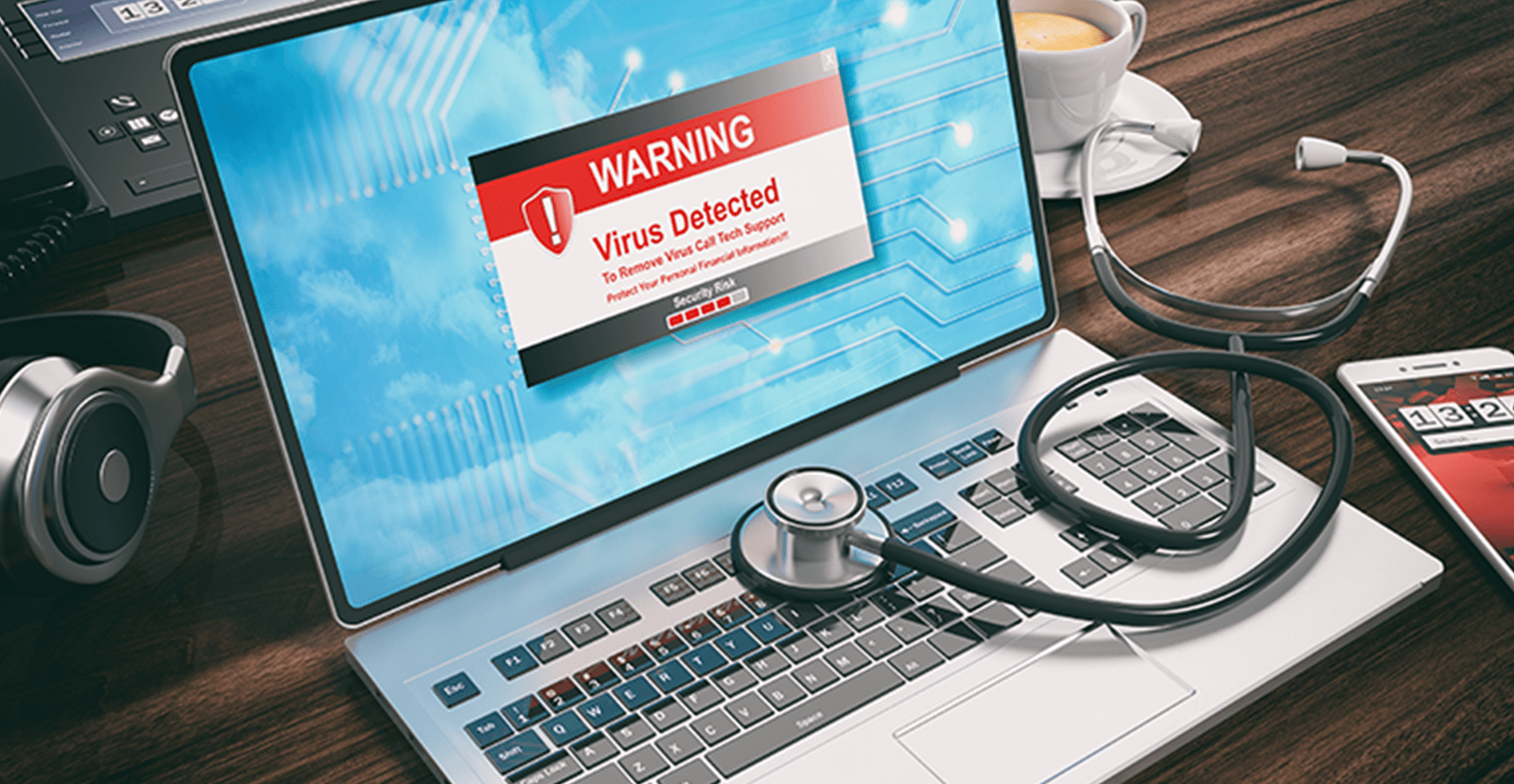
What does virus removal actually involve?
The term "virus" gets used loosely. In practice, the unwanted software we deal with most often falls into a few categories: adware (causes pop-up ads), browser hijackers (redirects your searches or changes your homepage), potentially unwanted programs (PUPs) that came bundled with something you downloaded, and occasionally more serious malware that interferes with normal system operation.
What we do is run a thorough scan using professional-grade tools, review what's found, remove the confirmed threats, and check that your existing security software is functioning properly afterward. We also look at how the infection likely got in — whether it was a download, a browser extension, or something else — so you have useful context going forward.
Signs you might want to have your computer checked
Not every symptom means you have malware — but certain patterns are worth looking into:
- Pop-up ads appearing even when you're not browsing
- Your browser redirecting to unexpected websites
- New toolbars or extensions you didn't install
- Computer running unusually slow for no clear reason
- Antivirus appears disabled or shows repeated warnings
- Friends received strange messages from your email or social accounts
What the service includes
- Full system scan with multiple professional tools
- Identification and removal of confirmed malware, adware, and PUPs
- Browser review — extensions, homepage, default search engine
- Security software check — ensure antivirus is active and up to date
- Startup program review to remove suspicious entries
- Basic security briefing — what was found and practical prevention tips
A note on expectations: Some infections are more involved than others. If your machine has been heavily compromised, the most reliable path to a clean system is sometimes a full OS reinstall rather than cleaning around existing malware. If that's the case, we'll tell you before doing anything — and we'll make sure your data is secured first.
When should you bring it in?
If you're seeing symptoms that worry you — pop-ups you can't stop, browser behaviour that's clearly wrong, or antivirus that won't stay enabled — it's worth having someone take a look. The longer unwanted software sits on a machine, the more it can affect system settings and performance.
If you're not sure whether it's serious, give us a call and describe what you're seeing. We're happy to help you decide whether a visit makes sense.