Not every computer issue is software-related. Sometimes a component simply wears out, gets damaged, or needs replacing. We diagnose hardware problems honestly and tell you clearly what's worth fixing — and what isn't.
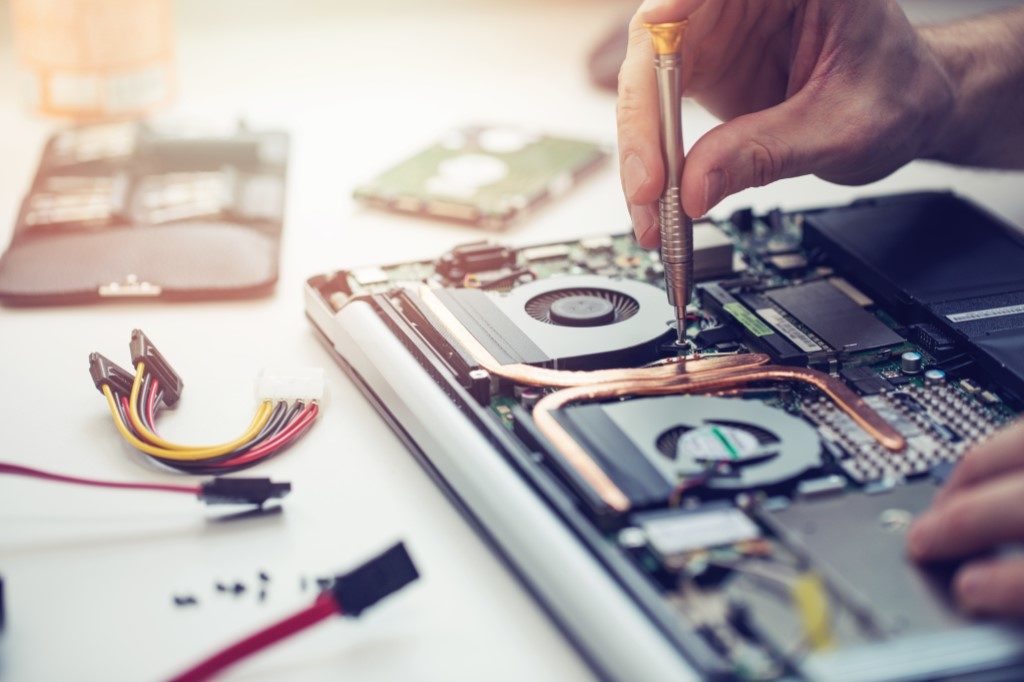
Hardware repair covers the physical components of your computer — the parts you can touch. When something breaks inside your laptop or desktop, no amount of software updates will fix it. Common hardware problems include a cracked screen, a battery that no longer holds a charge, a keyboard with dead keys, or a machine that simply won't power on.
Hardware issues can also look like software problems at first. Random shutdowns, strange noises, sudden slowdowns, or display glitches often have a physical root cause. Part of what we do is figure out which type of problem you're actually dealing with before recommending any work.
Below are the types of hardware problems we see most often. This isn't an exhaustive list — if you have something different, reach out and we'll let you know whether we can help.
Cracked, flickering, or completely dark displays are one of the most common laptop repairs. We source quality replacement panels and can usually complete screen replacements within a day or two, depending on part availability.
Laptop batteries typically last 3–5 years before their capacity degrades noticeably. If your laptop dies quickly or won't hold a charge at all, a battery replacement is often a straightforward fix that gives the machine a new lease on life.
Adding more RAM is one of the most cost-effective ways to improve a computer's performance. If your machine struggles with multiple browser tabs or basic multitasking, more memory can make a noticeable difference.
Replacing an old spinning hard drive with a solid-state drive (SSD) is often the single biggest speed improvement you can make to an older computer. Boot times, application loading, and general responsiveness all improve dramatically.
Loose or broken charging ports are common on laptops that get moved around frequently. Symptoms include a charger that only works at certain angles, intermittent charging, or a port that no longer makes contact at all.
Sticky keys, dead keys, or a keyboard that doesn't register input reliably can make a laptop very difficult to use. Depending on the laptop model, we may be able to replace individual key mechanisms or the keyboard assembly itself.
A computer that overheats will slow down to protect itself, or shut off unexpectedly. Cleaning dust from vents and replacing thermal paste on the processor are maintenance tasks that can restore normal operating temperatures.
A computer that won't power on at all, or that shuts down randomly, may have a faulty power supply (in desktops) or a motherboard-level issue. We diagnose the root cause before recommending any parts.
A repair restores something that's broken back to working order. An upgrade replaces a working component with a better one to improve performance or capacity.
Sometimes the line blurs — for example, replacing a failed hard drive with an SSD is technically a repair, but it also upgrades the machine's speed. We'll always explain what we're recommending and why, so you can make an informed decision.
Sometimes a repair isn't the most sensible option. If a laptop is 8–10 years old and the cost of parts and labour approaches what a decent used replacement would cost, we'll say so. We'd rather give you an honest picture than have you spend money on a machine that's at the end of its useful life.
You describe what's happening. We ask questions. No jargon, no assumptions. The more detail you can share, the better we understand what to look for.
We run hardware tests and physically inspect the components. This takes time to do properly, so we typically ask for the machine for at least a few hours before giving you a diagnosis.
We explain what we found, what the options are, and what each would cost. You decide whether to proceed — no pressure, no commitment until you approve.
Once you've approved the work, we order parts if needed and carry out the repair. Timelines vary depending on part availability and complexity.
We test the repaired component thoroughly before returning the device. We walk you through what was done and answer any questions you have.
We'll give you an honest assessment and explain your options clearly — no pressure, no jargon.
Get in Touch