Vancouver, BC · Locally Operated

Computer problems
don't have to be a mystery.

We diagnose and repair everyday computer issues — clearly, honestly, and without the jargon. Whether it's a slow machine, a suspected virus, or data you're worried about, we'll walk you through every step.

0
Devices Repaired
0
Customer Satisfaction
0
Years in Vancouver
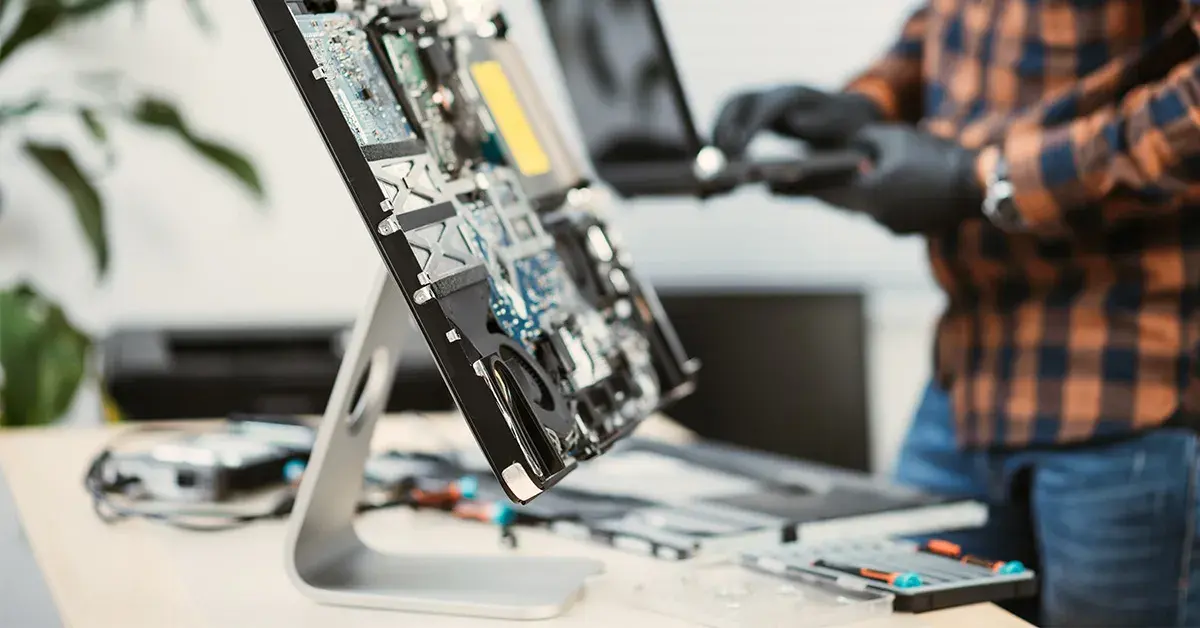
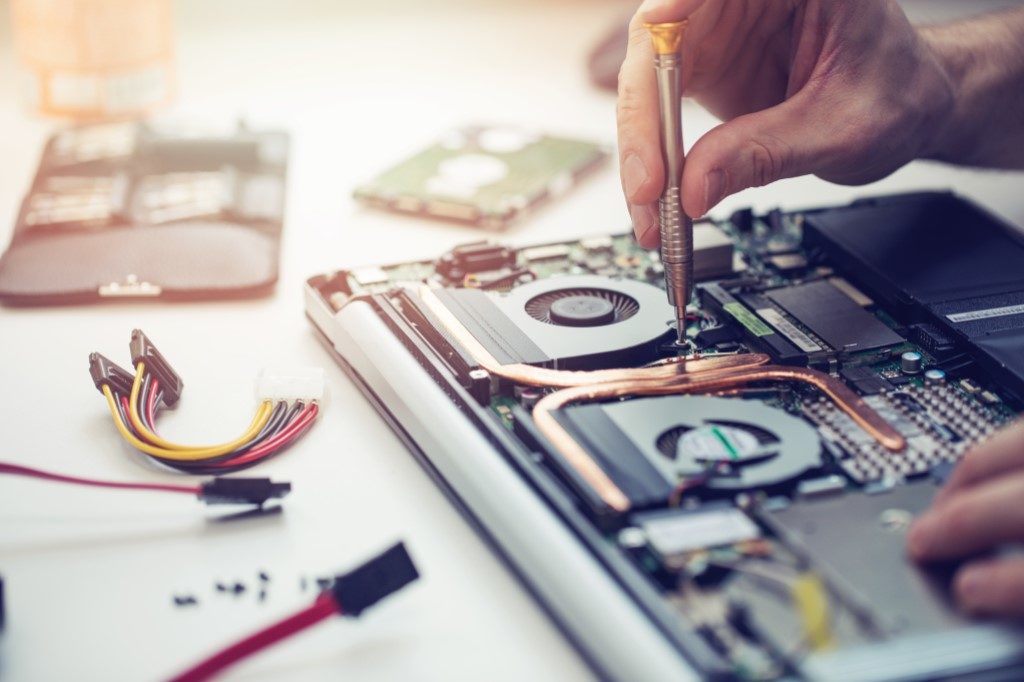
Technician carefully working on a laptop computer
Trusted by Vancouver Families
& Small Businesses Since 2016

No fix fee charged upfront
Clear pricing before we begin
Plain-language explanations
Vancouver-based team
Data handled with care
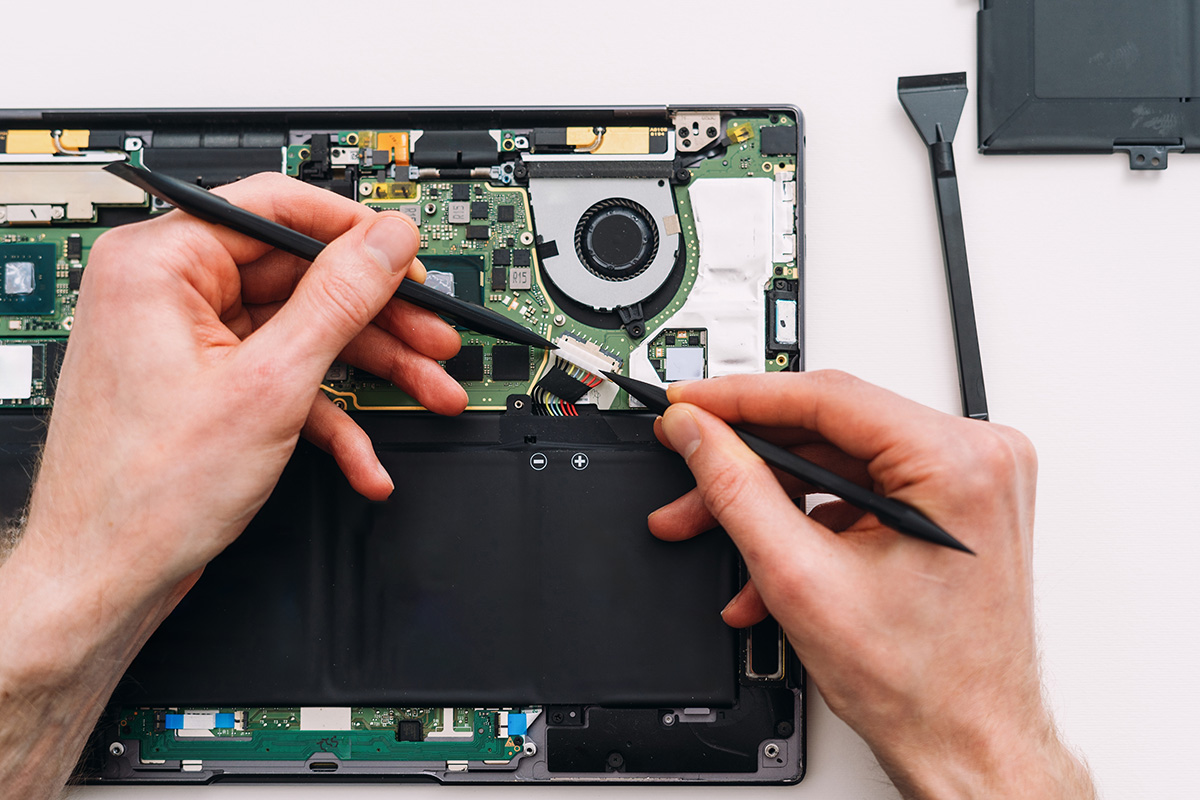
Close-up of computer circuit board components

Most computer problems have a clear explanation — you just need someone to find it.

There's a lot of anxiety that comes with a computer acting up. Is it a virus? Is my data gone? Do I need to buy a new machine? Often, the answer is simpler than the fear suggests.

At Mass PC Repair, we don't make things more complicated than they need to be. We look at what's actually happening, tell you what we find, and give you options. No pressure. No guessing. Just honest technical help.

We've been doing this in Vancouver since 2016 — working with people who just want their computer to work again.

Meet the Team

Our core repair services

We focus on the problems we see most often — and where we can genuinely help.

Security shield protecting computer system from viruses

Virus & Malware Removal

Pop-ups, redirects, slow performance, and unusual behaviour can sometimes indicate unwanted software. We'll assess what's there and clean it up properly.

Learn more
Computer hardware components being assembled and repaired

Hardware Repair & Upgrades

Cracked screens, failing drives, overheating fans — hardware problems are diagnosable. We'll tell you what's wrong, what it costs, and what we can realistically do.

Learn more
External hard drive for data backup and recovery

Data Recovery

Accidentally deleted files, a failing hard drive, or a computer that won't start — data recovery is sometimes possible. We'll evaluate the situation before committing to anything.

Learn more

Not sure what's wrong with your computer?

Pick the symptom that describes your situation best. We'll point you toward the most relevant service or resource.

This is a general guide, not a diagnosis. Only a proper inspection can tell you what's really going on.

0
Computers Repaired
0
Years Serving Vancouver
0
Satisfied Customers
0
Typical Turnaround

How a repair visit works

1

Bring It In or Get in Touch

Drop by our Vancouver location or give us a call. Describe what you're seeing — we'll let you know if it sounds like something we can help with before you make a trip.

2

Free Initial Assessment

We look at your device, run through the basics, and figure out what's actually going on. This part is free — no charge just to have a look.

3

We Explain What We Found

We tell you what we found in plain terms. If a repair makes sense, we'll give you a clear cost estimate before doing anything. You decide.

4

Repair & Pickup

Most repairs take one business day. We'll call when it's ready and walk you through what was done so you leave with a clear picture.

Technician explaining computer repair process to a customer

Is your computer running as it should?

Take this short quiz to get a rough sense of whether your computer's performance is worth looking into — or just normal aging.

4 questions · About 1 minute

Person looking at slow computer screen in frustration

Could unwanted software be on your machine?

A few common signs can point toward malware — or confirm that things are fine. Take a minute to work through these questions.

4 questions · About 1 minute

Computer screen showing security alert and protection status

What a service visit typically addresses

Not every repair looks dramatic — most changes happen under the hood.

Before
  • 8-minute boot time
  • Sluggish while browsing
  • Fan running constantly
After
  • Under 60-second boot
  • Noticeably more responsive
  • Quieter, cooler operation
Software Cleanup & Optimization

Results vary depending on the computer's age and condition. Older hardware has physical limitations that software alone can't address.

Before
  • Pop-up ads everywhere
  • Browser redirecting
  • Antivirus disabled
After
  • Unwanted software removed
  • Browser settings restored
  • Security tools re-enabled
Virus & Malware Removal

Some infections are more stubborn than others. We'll give you an honest assessment of what's possible before proceeding.

Before
  • Drive making clicking sounds
  • Files not accessible
  • Computer not booting
After
  • Drive assessed & replaced
  • Files recovered where possible
  • System restored & running
Hardware Repair

Not all data is recoverable, and hardware repair success depends on the issue. We'll be straightforward about what's realistic.

What people say about us

We share feedback as it comes — no polishing, no cherry-picking.

★★★★★

"I was convinced my laptop was done for. Turned out it was just a failing drive. They explained the situation, gave me a price before touching anything, and recovered most of my files. Really appreciated the honesty."

Sandra T.
Kitsilano, Vancouver
★★★★★

"Fast, professional, and they didn't try to sell me on things I didn't need. My PC was getting these weird pop-ups — they found the issue and cleaned it up. It's been running fine since."

Marcus D.
Mount Pleasant, Vancouver
★★★★☆

"Good experience overall. It took a bit longer than expected because of a parts delay, but they kept me updated. The machine works great now. Would go back without hesitation."

Priya M.
Fairview, Vancouver
★★★★★

"They replaced my laptop screen and upgraded the RAM while it was in. Total turnaround was one day. The guy at the desk took the time to explain what was done and how to avoid the problem again."

James H.
West End, Vancouver
★★★★★

"I run a small photography studio and couldn't afford downtime. They prioritized my repair, saved the files on my external drive, and gave me backup advice for the future. Exactly what I needed."

Leila K.
Commercial Drive, Vancouver
★★★★★

"I'd been dealing with a slow machine for two years, thinking I just needed a new computer. They cleaned it up and added an SSD. It feels brand new. Wish I'd come sooner."

Tom R.
Strathcona, Vancouver

Meet the team

We're a small, experienced crew — which means you'll probably talk to the same person every time you come in.

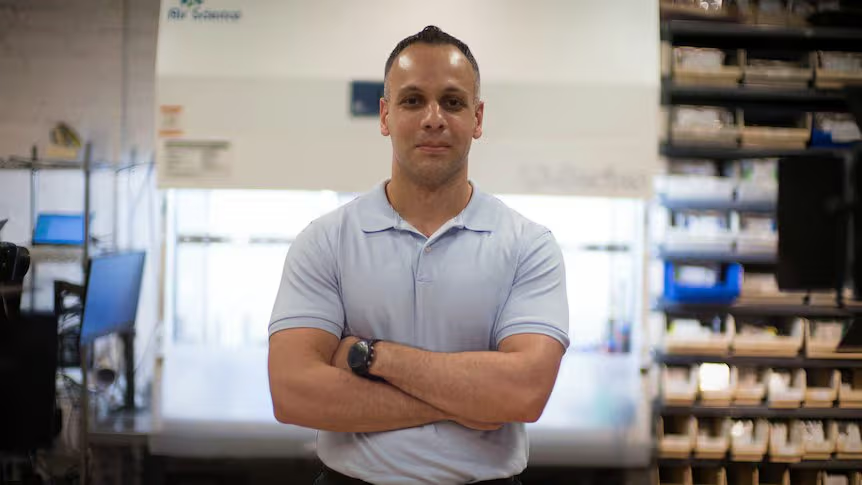
Photo of Marcus Webb, Lead Technician
Marcus Webb
Lead Technician & Co-Founder

Over 12 years working with consumer and business computers. Marcus handles diagnostics and most hardware repairs. He believes in explaining things simply — because a confused customer isn't a well-served one.

Photo of Nadia Chen, Software & Security Specialist
Nadia Chen
Software & Security Specialist

Nadia focuses on malware removal, OS troubleshooting, and data recovery. She has a background in IT support and a particular interest in helping non-technical users understand what happened and why.

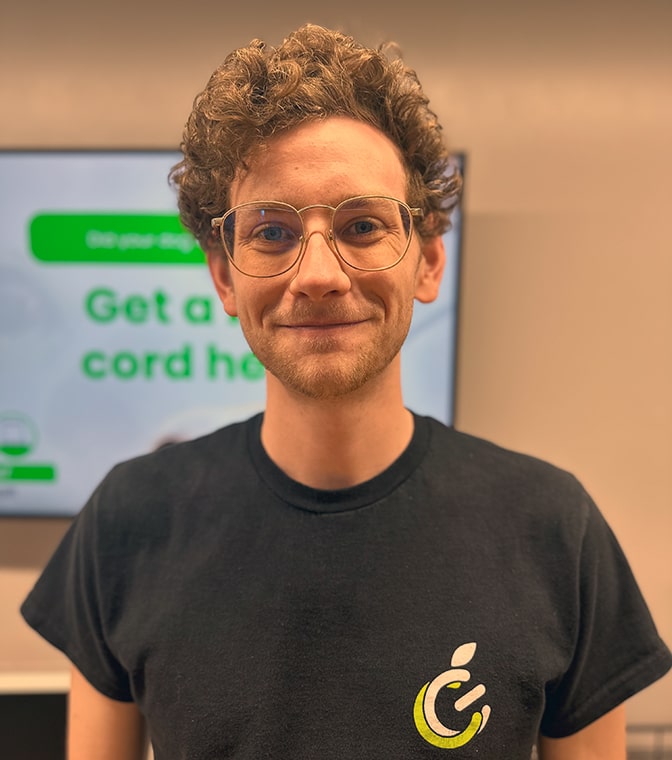
Photo of David Sousa, Customer Experience
David Sousa
Customer Experience & Co-Founder

David is usually the first face you see. He coordinates intake, communicates updates, and makes sure the experience is smooth from start to finish. He's been with Mass PC Repair since day one.

Things people usually ask us

Repair costs vary depending on what's involved. Simple software cleanup might be quite affordable; replacing hardware components obviously costs more. We always give you a written estimate before beginning any paid work. There's no charge for the initial assessment — that's just us figuring out what we're dealing with.
Most software repairs are completed within one business day. Hardware repairs can take 1–3 days depending on whether we need to order parts. If your repair will take longer than expected, we'll let you know as soon as we find out — not after the fact.
We take data handling seriously. We never access personal files unnecessarily, and we don't share your information. That said, we always recommend backing up important data before bringing in any device — it's good practice regardless of where you take it, since some repairs can occasionally affect existing data.
If we assess your device and determine a repair isn't practical — because the cost would exceed the value of the machine, or the problem is beyond what we can address — we'll tell you honestly. No diagnostic fee for that assessment. We'd rather give you useful information than take money for something that won't help.
Yes. We stand behind our work. If the specific issue we repaired comes back within 30 days, we'll look at it again at no additional labour charge. This covers the repair we performed — it doesn't extend to new problems that develop separately.
Yes. We work with both home users and small business clients. If you have multiple devices, give us a call first so we can coordinate timing. We handle things one job at a time to keep our work quality consistent.

Some reading that might help

We write about common computer issues in plain language — no technical background required.

Person working on a slow computer at their desk
Performance

How to Fix a Slow Computer — Step by Step

A practical walkthrough of the most common reasons computers slow down, and what you can do about each one — starting with the free stuff.

Read the guide
Laptop being cleaned and maintained on a desk
Maintenance

Practical Laptop Maintenance Tips

Small habits that can meaningfully extend your laptop's life — from keeping vents clear to updating software at the right time.

Read the guide
External drives and USB sticks for data backup
Data Safety

Understanding Data Backup: A Simple Guide

Why backups matter, what kinds of backup exist, and how to set something up that you'll actually maintain — without getting overwhelmed by options.

Read the guide

Ready to get your computer sorted?

Call us, send an email, or drop by. We'll figure out what's going on and give you a clear picture of your options.

Send a Message +1 519-924-2668

2785 Point Grey Rd, Vancouver, BC · Mon–Sat 9am–6pm